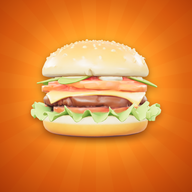
Stop 1 of 15
United States
Route 66 Diner
Where the burger was born
- House burger
- Classic Stack
- Pays
- $10 a burger
Burger World Restaurant Tycoon
Grill burgers, serve the lunch rush and hire a crew. Grow one little counter into a busy diner with a drive-thru, then open your next restaurant in a new country.
Free to play. No account, no sign-up. Plays offline.
Tap to drop the next layer
You run the floor yourself at first. Every dollar you collect goes back into the restaurant, until the place runs itself.
…then the next shift starts, in a bigger restaurant.
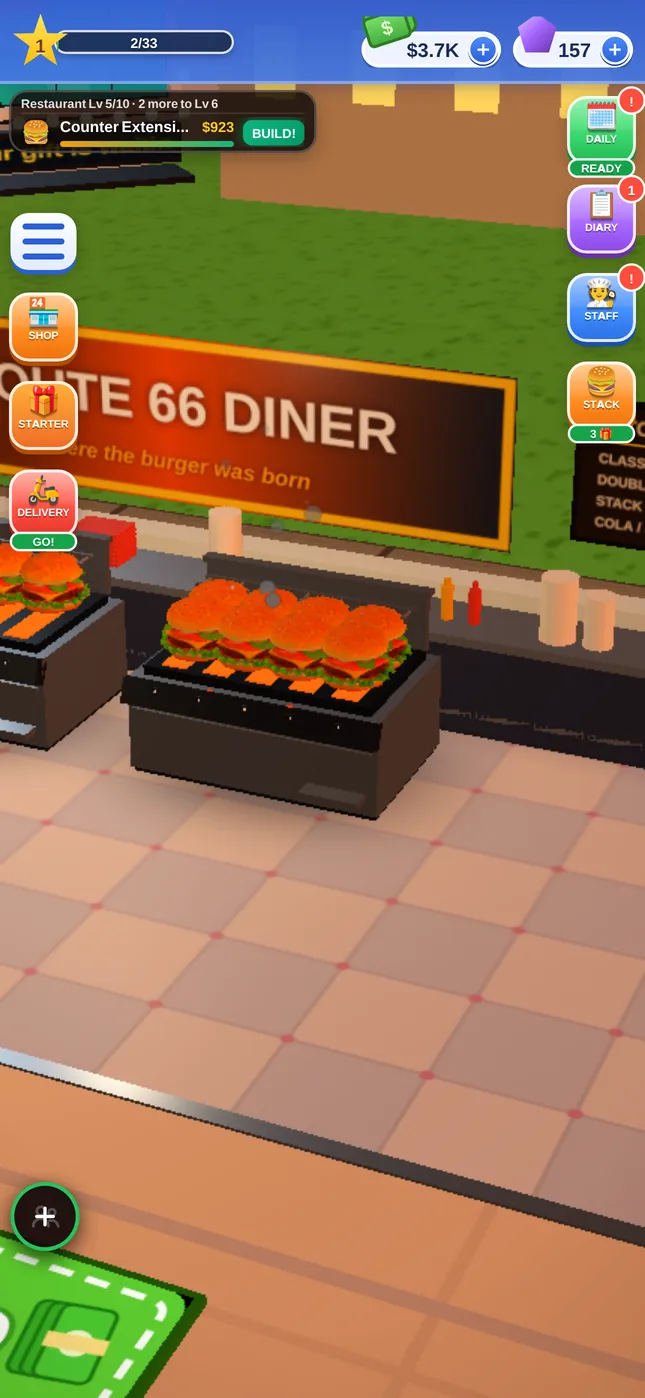
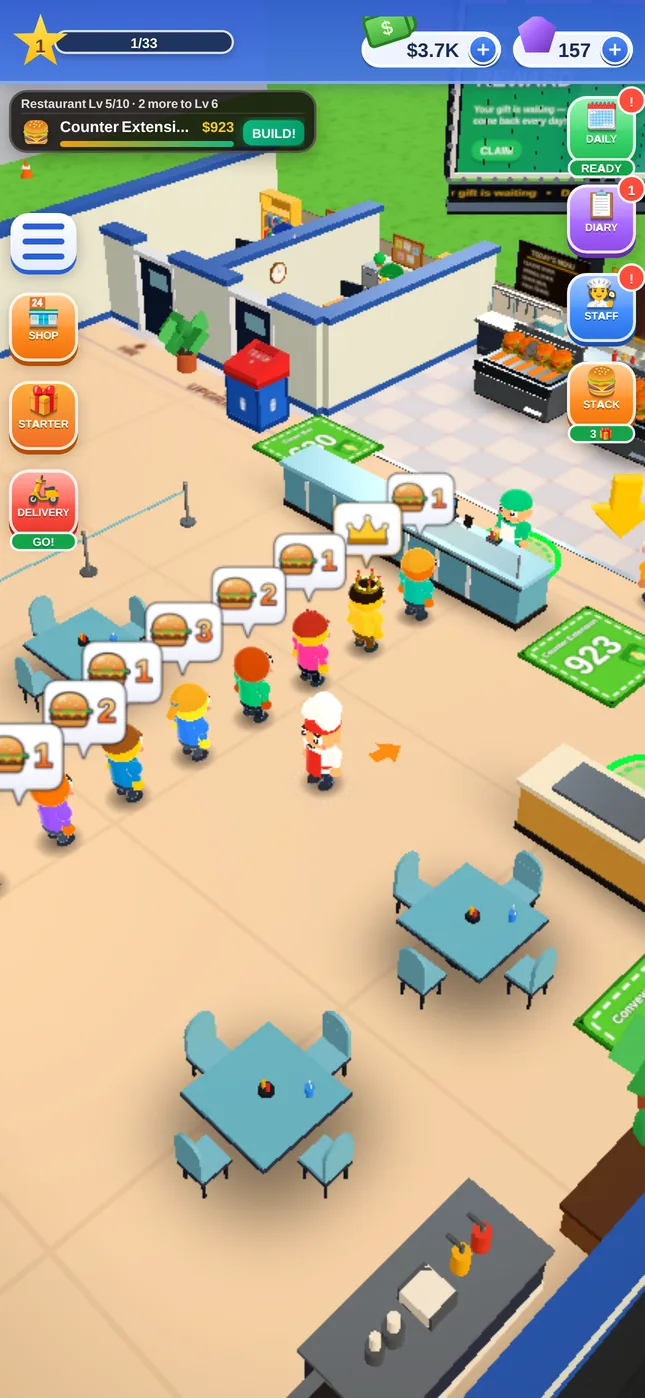
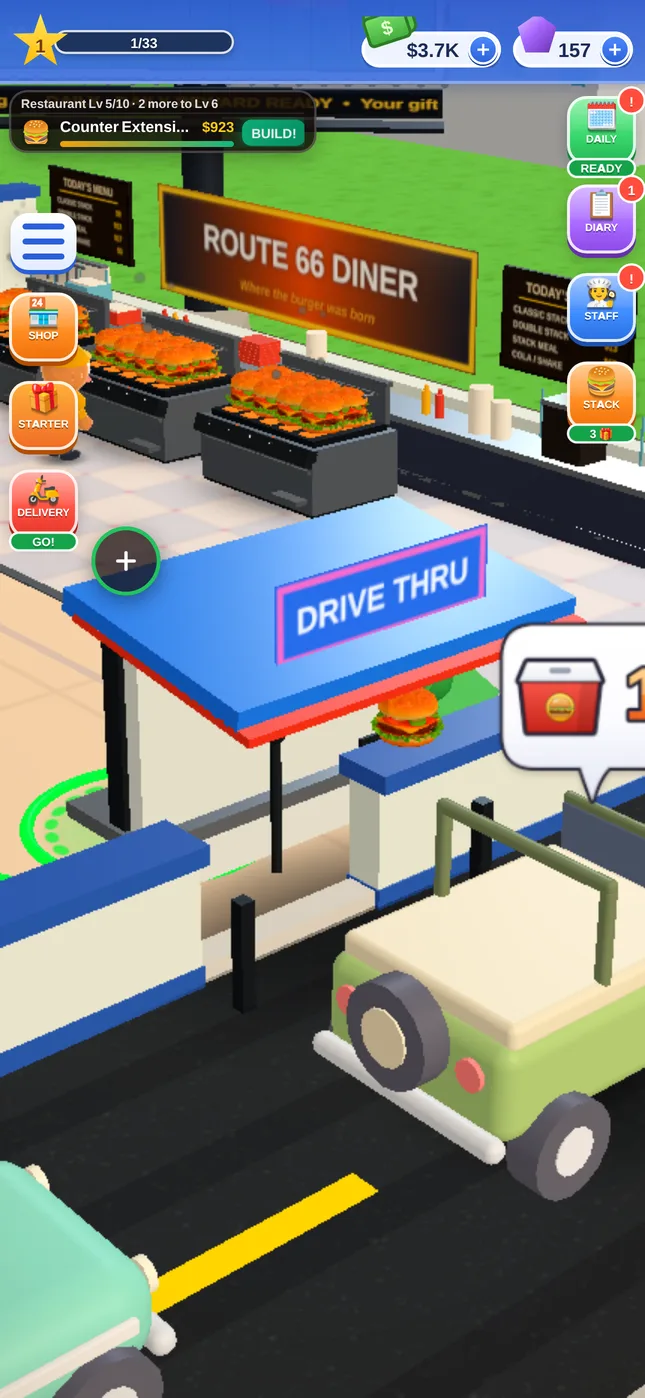
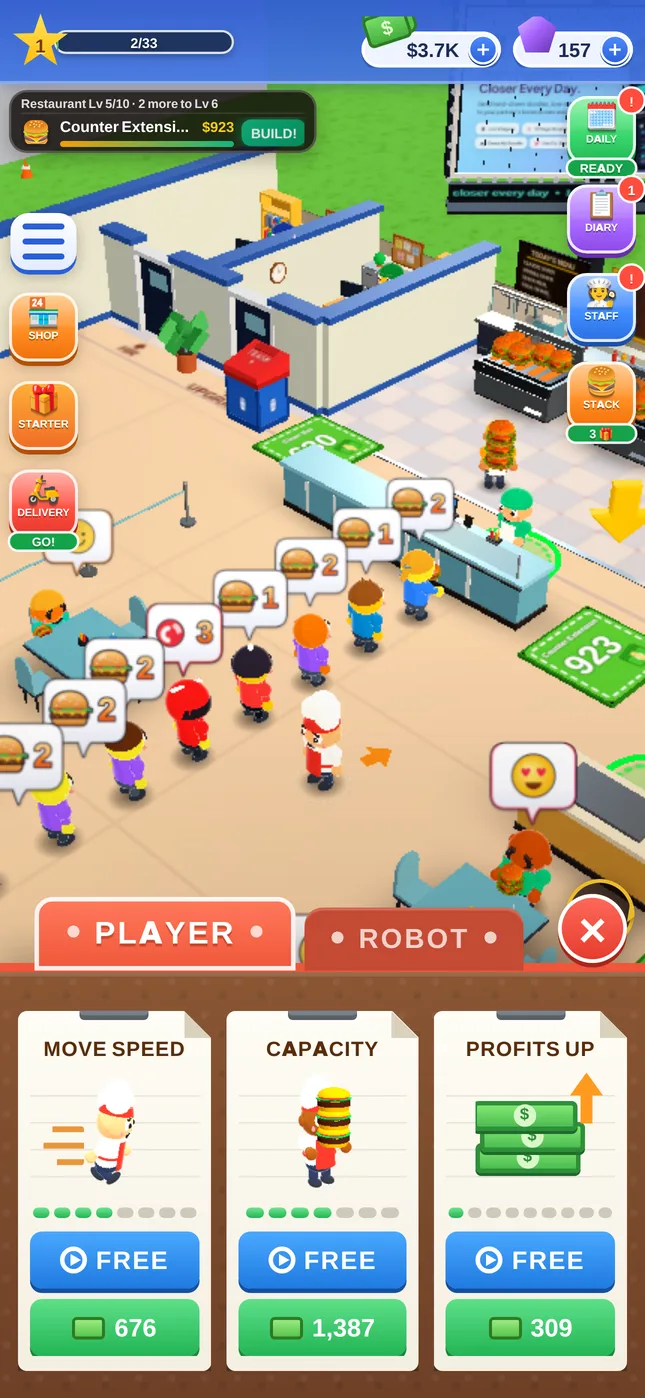
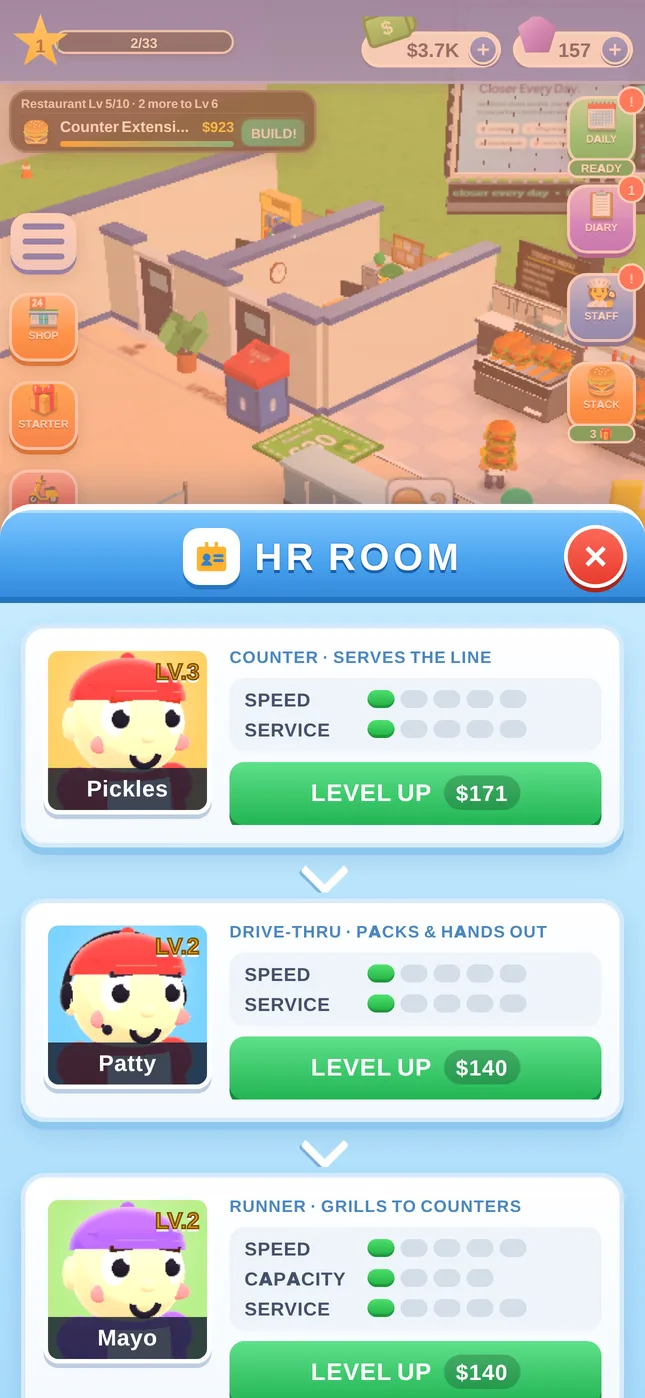
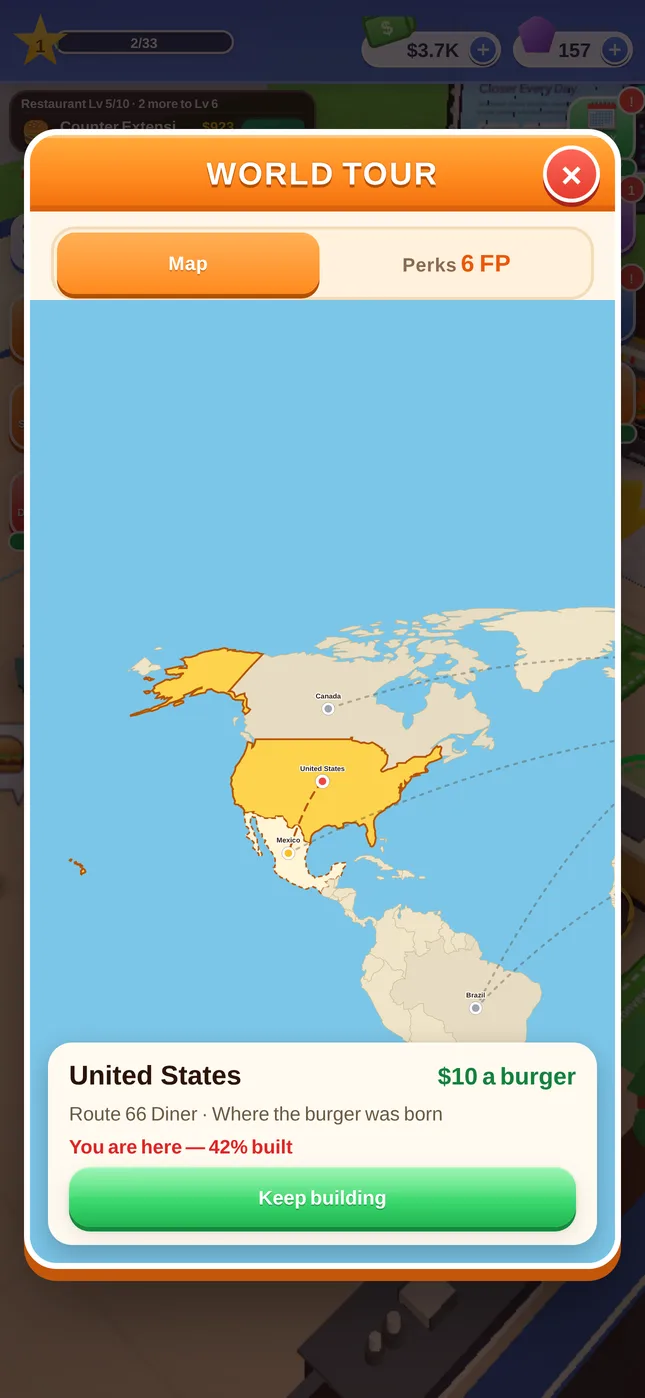
Each country is its own restaurant with its own look, menu and prices. Tap a stop to see what's cooking there.
United States
Where the burger was born
After Canada the tour keeps going: new cities open one after another, so there is always another restaurant to build.
Hats and uniforms for your chef and your staff. Buy them with gems you earn in the game, win them in seasonal events, or get them in a country pack. Tap one to try it on.
Five events come round every year. Serve customers during one to collect its tokens and win an outfit, gems and a trophy.
The things players ask most. Anything else, write to us below.
Yes. The whole game is free to play. There are optional purchases, like gem packs and outfit packs, and optional reward videos you can watch for a bonus. You never need either to finish a restaurant.
Yes, the game plays without internet. Your restaurant also keeps earning while you're away, for up to 2 hours at first; the Night Owl perk makes that longer. Ads and purchases need a connection.
On your phone. There's no account to make. Uninstalling the game or clearing its data deletes the save, so keep the app installed when you change settings.
Open Game Settings (the gear button), then tap Restore Purchases, signed in with the same Google Play account. Outfit packs, Remove Ads and Double Income come back. Gems you already spent or collected can't be restored.
The Remove Ads pack in the Shop removes the banner at the bottom of the screen. Reward videos stay available, because they're always your choice.
Only if you allow them, and only a few: when your crew's earnings are full, when your daily gift is ready and when a seasonal event starts. Never between 9:30 pm and 9:30 am, and never while you're playing. Turn them off with the REMINDERS switch in the game menu.
Every minute or so a surprise pops up somewhere in your restaurant: a cash briefcase, a cash magnet, big gloves or speed shoes. Stand on it for two seconds and watch a short video to grab it. You'll get a heads-up when one appears.
Android 7.0 or newer, from Google Play. The iPhone version is on its way to the App Store.
Fifteen hand-built countries, from a Route 66 diner to a maple-leaf burger bar in Canada, and after that new cities keep opening. Most players spend a few hours on each country.
Write to us about a bug, a purchase or an idea. It helps to include your game version: open the menu in the game and look at the bottom.